
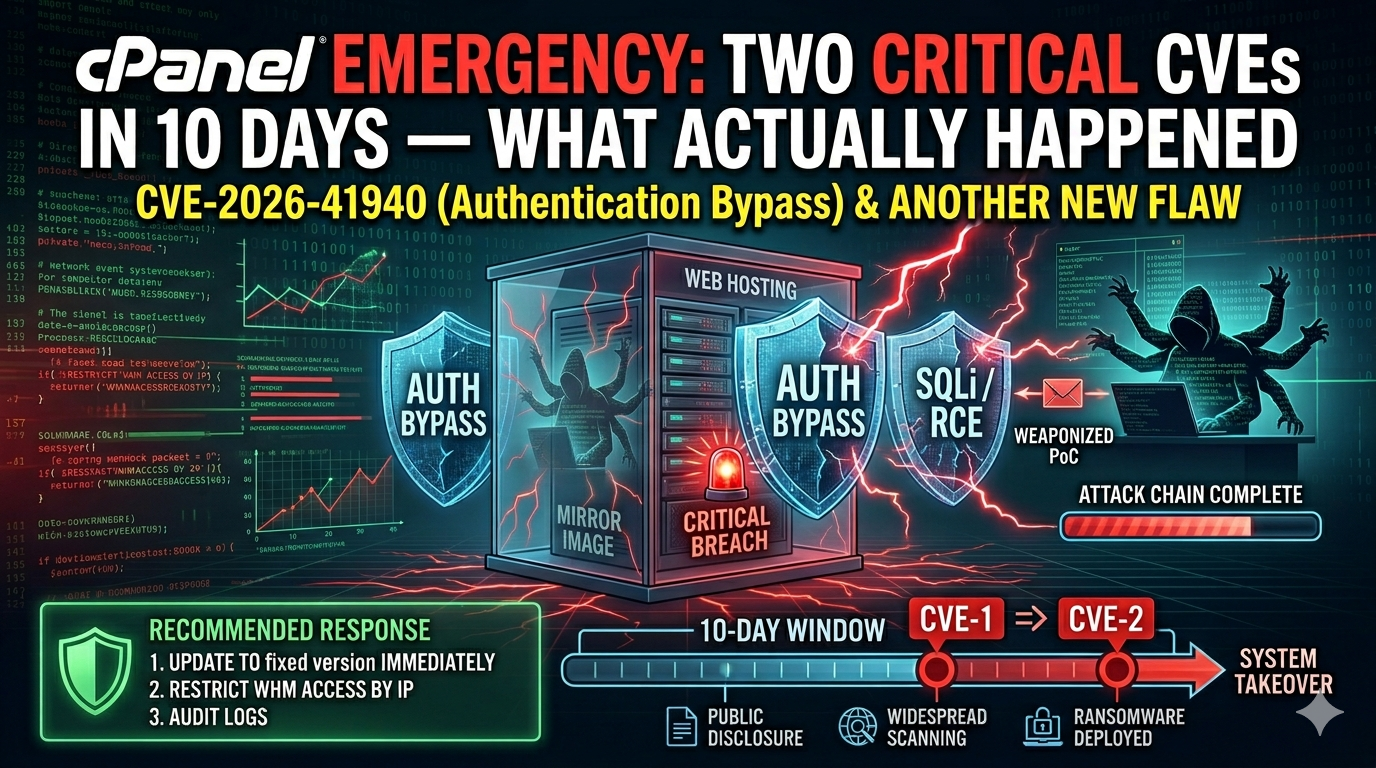
cPanel Emergency: Two Critical CVEs in 10 Days — What Actually Happened
Two emergency patches in ten days. Over 44,000 servers already hit. And the real problem isn’t any single vulnerability — it’s the architecture.
TL;DR
– April 28, 2026: cPanel emergency patch drops — CVE-2026-41940, CVSS 9.8, pre-auth bypass. Actively exploited for 2 months before the patch existed.
– May 7-8, 2026: Three more critical CVEs drop — CVE-2026-29201, CVE-2026-29202, CVE-2026-29203. Two at CVSS 8.8.
– Why this matters: Same product. Same architecture. Different vulnerabilities. Ten days apart.
– The uncomfortable truth: Even if you patched on May 1, you may still be compromised — session files persist after patching.
– 22-23% of all commercial web hosting runs on cPanel. One architectural bug = millions of sites at risk simultaneously.
The First Disclosure: CVE-2026-41940
On April 28, 2026, cPanel released an emergency patch for a pre-authentication bypass vulnerability — CVE-2026-41940 — with a CVSS score of 9.8. That’s as critical as it gets.
The vulnerability allowed attackers to write a malicious session file to your disk before any authentication took place. No credentials needed. No brute force required. One HTTP header, and the attacker has a root session file sitting in. /var/cpanel/sessions/.
Security researchers from WatchTowr and Rapid7 confirm that this vulnerability was actively exploited in the wild for approximately two months before a patch was even available.
CISA issued an emergency directive requiring federal agencies to patch within 72 hours.
Over 44,000 servers were confirmed compromised before many administrators even knew there was a problem.
Which Versions Need Patching?
Run this command to check your cPanel version:
bash

/usr/local/cpanel/cpanel -V
Then match your build:
| Branch | Vulnerable Version | Patched Version |
| 11.86.x | Below 11.86.0.41 | 11.86.0.41+ |
| 11.132.x | Below 11.132.0.116 | 11.132.0.116+ |
| 11.134.x | Below 11.134.0.108 | 11.134.0.108+ |
| 11.136.x | Below 11.136.0.5 | 11.136.0.5+ |
If you’re on an older branch or an EOL version, the official recommendation is a full server rebuild from a clean backup — patches don’t always cover every legacy version.
The Second Disclosure: Three More Critical CVEs
Then, on May 7, 2026 — just ten days after the first emergency — cPanel dropped another emergency patch—three more critical CVEs: CVE-2026-29201, CVE-2026-29202, and CVE-2026-29203. Two of them are at CVSS 8.8.
Same product. Same architecture. Different vulnerabilities. Ten days apart.
If you updated on May 1 and stopped checking, you were still running vulnerable code when the second wave dropped.
Why Patching Alone Isn’t Enough
Here’s the part most people miss: even after you patch, you may still be compromised.
CVE-2026-41940 doesn’t crack your password. It doesn’t brute force SSH. It writes a malicious session file to /var/cpanel/sessions/ before you even log in. Those session files can persist after patching. If an attacker already has a valid session file sitting on your server, patching doesn't invalidate it.
You need to:
1. Patch — /scripts/upcp –force
2. Restart the daemon — /scripts/restartsrv_cpsrvd
3. Purge all sessions — rm -rf /var/cpanel/sessions/*
And that’s just for the first wave. The second wave may have different persistence mechanisms that we’re still learning about.
—
How to Check If You Were Compromised Before Patching
If you haven’t patched yet — or if you’re unsure whether you were hit before the patch — run these two commands:
bash
ls -la /var/cpanel/sessions/
Find session files created after the CVE was publicly disclosed (April 28, 2026)
find /var/cpanel/sessions/ -type f -newer /var/log/cpanel/cpwrapd.log
Any session files with unusual ownership, unexpected timestamps, or generated without corresponding login events are a strong indicator of compromise.
The Real Problem: Architecture, Not CVEs
This is the uncomfortable conversation most security posts don’t have.
cPanel runs a monolithic root daemon — cpsrvd — on port 2087, which is internet-facing and handles authentication for every account on the server.
One bug in that daemon doesn’t just compromise one website. It compromises every account on that server simultaneously.
22 to 23 per cent of all commercial web hosting runs on cPanel. That’s millions of sites. When one architectural vulnerability affects a shared core component, you’re not dealing with a vulnerability — you’re dealing with a systemic risk concentration.
Shared hosting is efficient. It’s also a single point of failure, where a single bug can simultaneously compromise every customer on the machine.
When your security tool is your biggest attack surface, that’s a structural problem, not a patch management problem.
What You Need to Do Right Now
Immediate Actions (If You’re Running cPanel)
1. Check your version — /usr/local/cpanel/cpanel -V
2. Patch immediately — /scripts/upcp –force
3. Restart the daemon — /scripts/restartsrv_cpsrvd
4. Purge session files — rm -rf /var/cpanel/sessions/*
5. Audit for IOCs — check /var/cpanel/sessions/ for unexpected files, check for suspicious cron jobs, check for unexpected SSH keys in ~/.ssh/
6. Assume you were compromised — if you were exposed before patching, treat the server as potentially fully compromised and plan a rebuild
If You’re on Shared Hosting
– Forward this to your sysadmin immediately
– Ask specifically whether they patched and purged session files
– If you’re on a shared host and the provider is slow to respond, consider moving to isolated infrastructure
If You Manage Multiple Servers
– Implement monitoring on port 2087 for unusual request patterns
– Subscribe to cPanel security notifications directly
– Consider this pattern when evaluating shared hosting vs isolated infrastructure decisions
The Checklist: cPanel Emergency Patch & Compromise Detection
To help you verify your server’s status systematically, I’ve put together a one-page checklist covering:
– Version thresholds for all current CVE patches
– All commands for patch, restart, and session purge
– IoC indicators to check after patching
– A rebuild decision tree if a compromise is confirmed
The Bottom Line
Two emergency disclosures in ten days from cPanel aren’t a coincidence — they’re a pattern. The product’s architecture concentrates risk at the cpsrvd layer, and every time a critical vulnerability is found there, every customer on that server is affected simultaneously.
Patch. Purge sessions. Assume compromise. Rebuild if needed.
And when your control panel needs emergency patches twice in ten days — that’s a pattern, not a coincidence. Watch these disclosures more closely than you watch anything else on your server.